

One thing that had really struck me about the OLED market in recent years was how few OLED monitors came with a normal design rather than a gamer look. And if you were after a 32-inch 4K model, there was nothing at all.
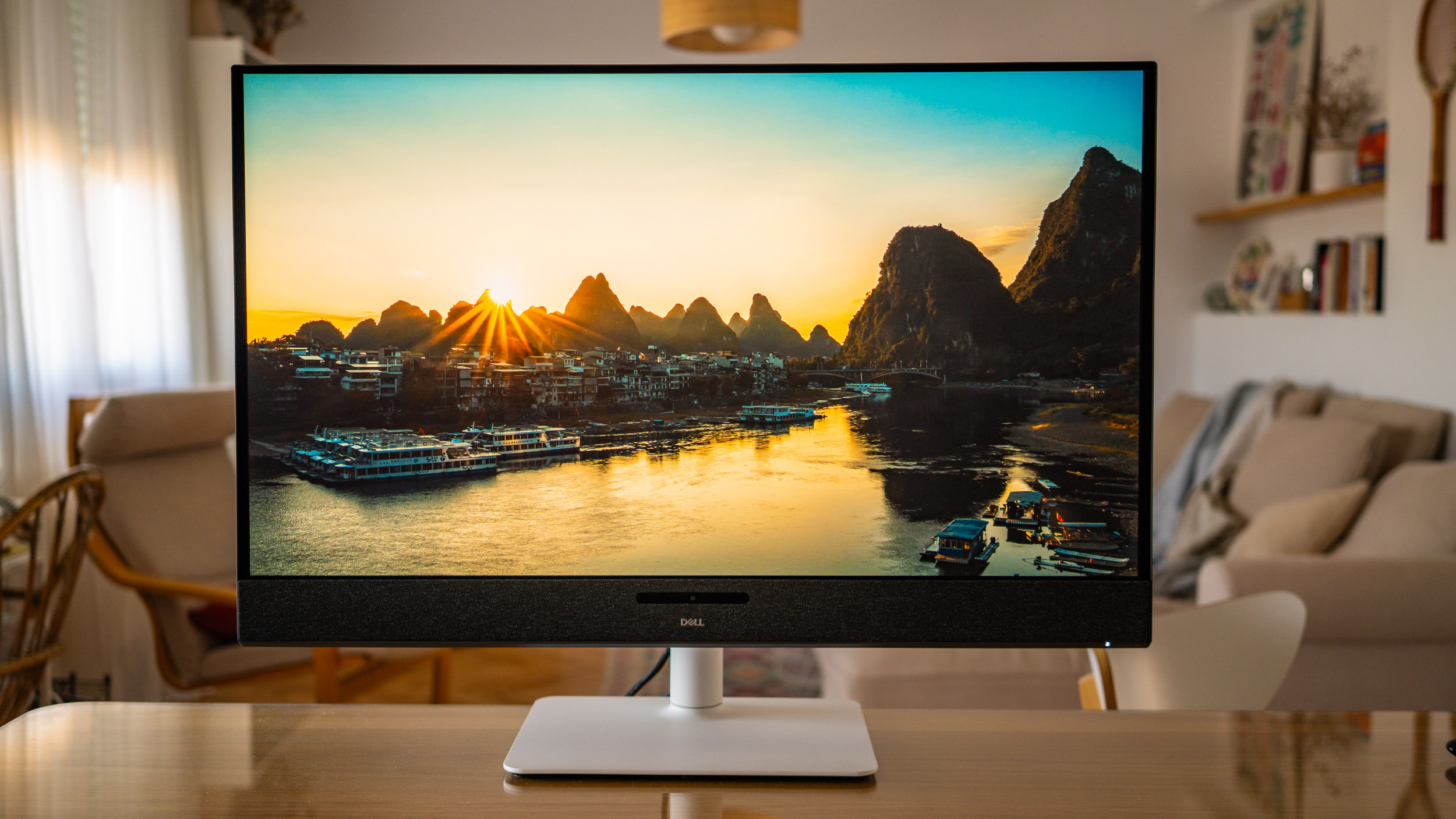
So my eyes nearly popped out of my head when I saw the Dell Plus 32 S3225QC, a monitor that ticks every box I’ve just mentioned. It has the look of an office and productivity monitor, a superb 32-inch OLED panel with UHD resolution and, as if that weren’t enough, an incredible price for what it offers.
Extraordinary image quality
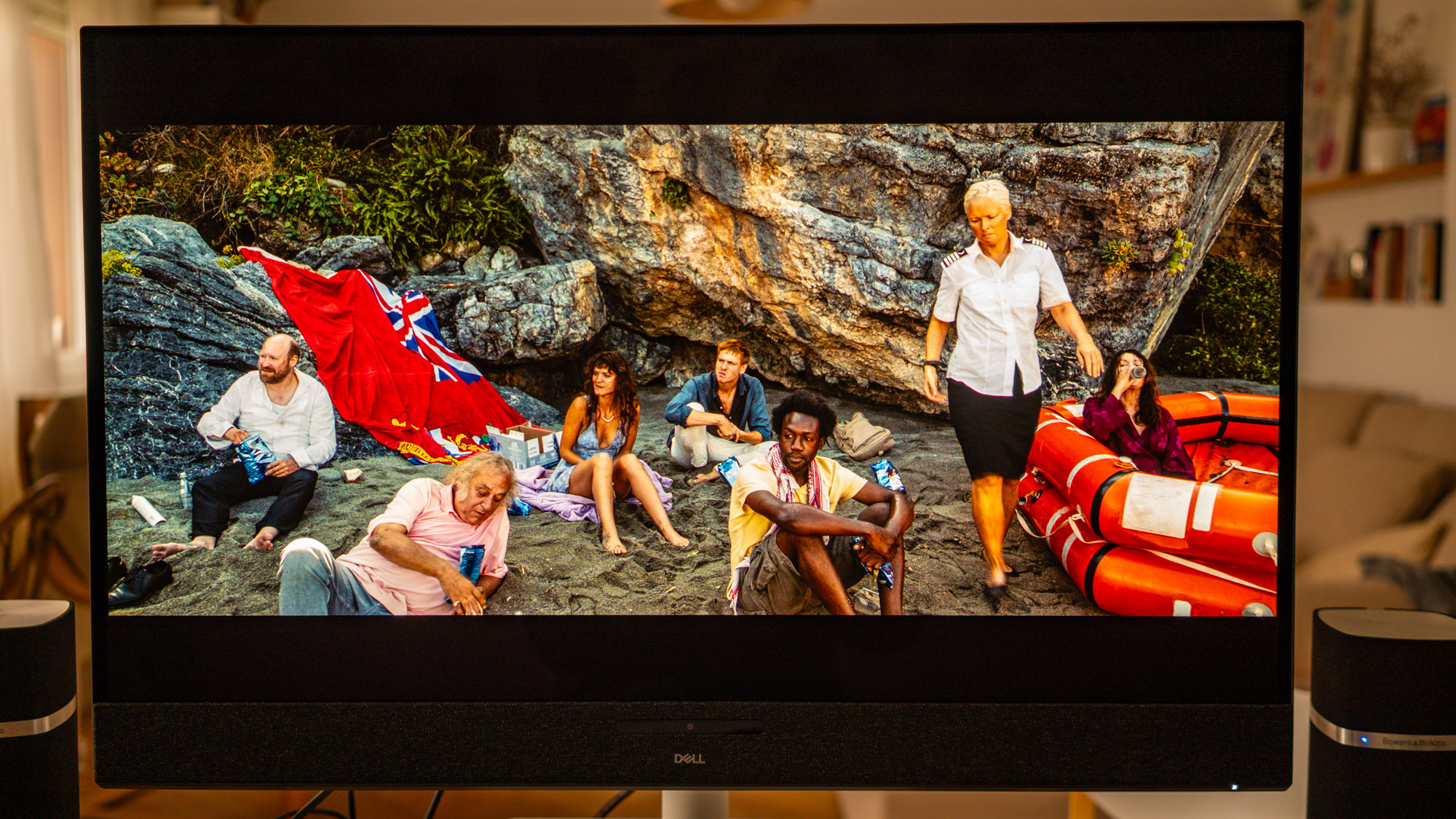
The Dell Plus 32 S3225QC uses a QD-OLED panel, so there are no surprises when it comes to image quality: it’s extraordinary. You get all the virtues of the technology here: pure blacks, spectacular contrast and colours that are vibrant yet natural. In short, it offers everything that makes OLED such an appealing technology, in a 32-inch monitor.
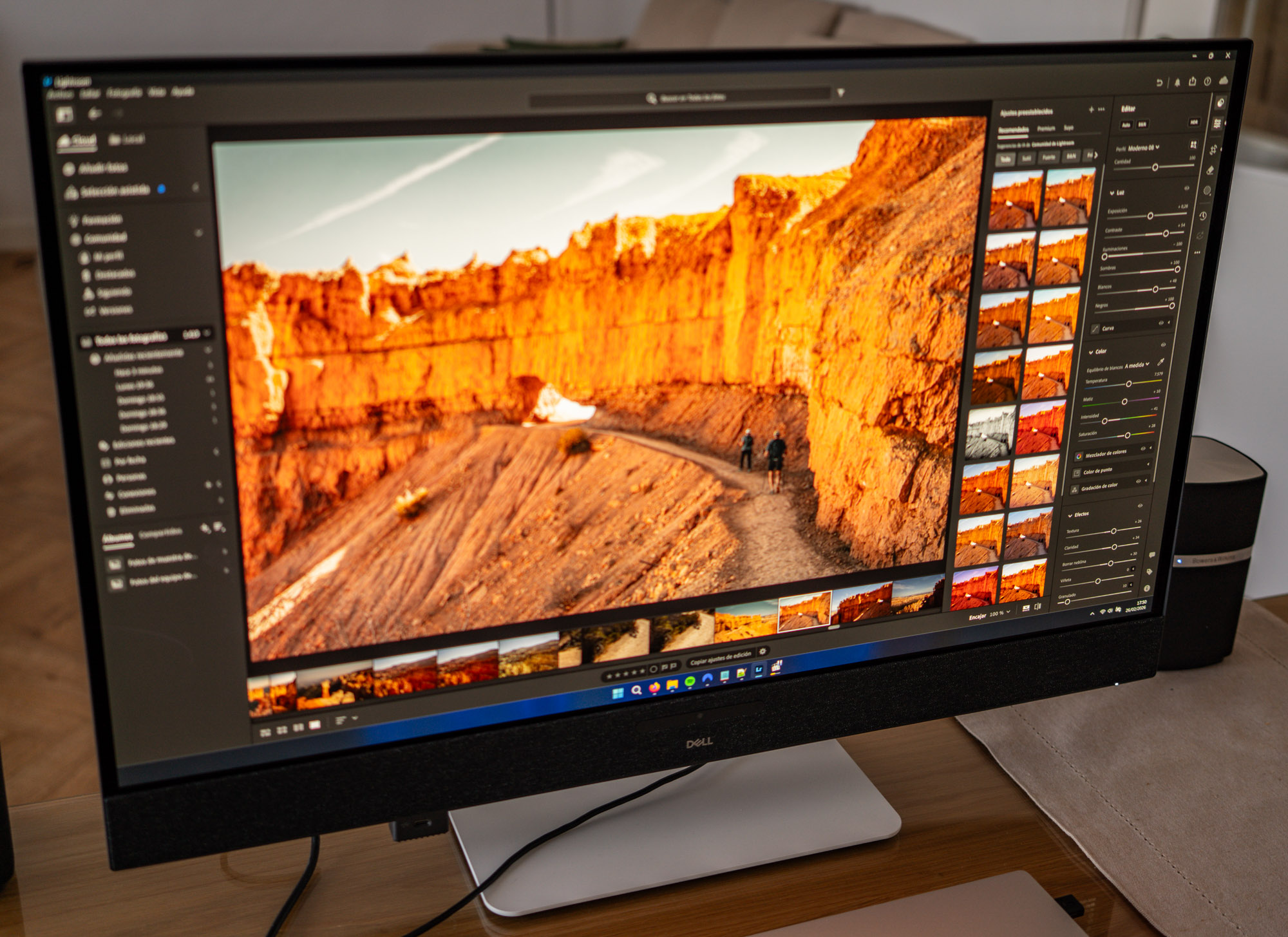
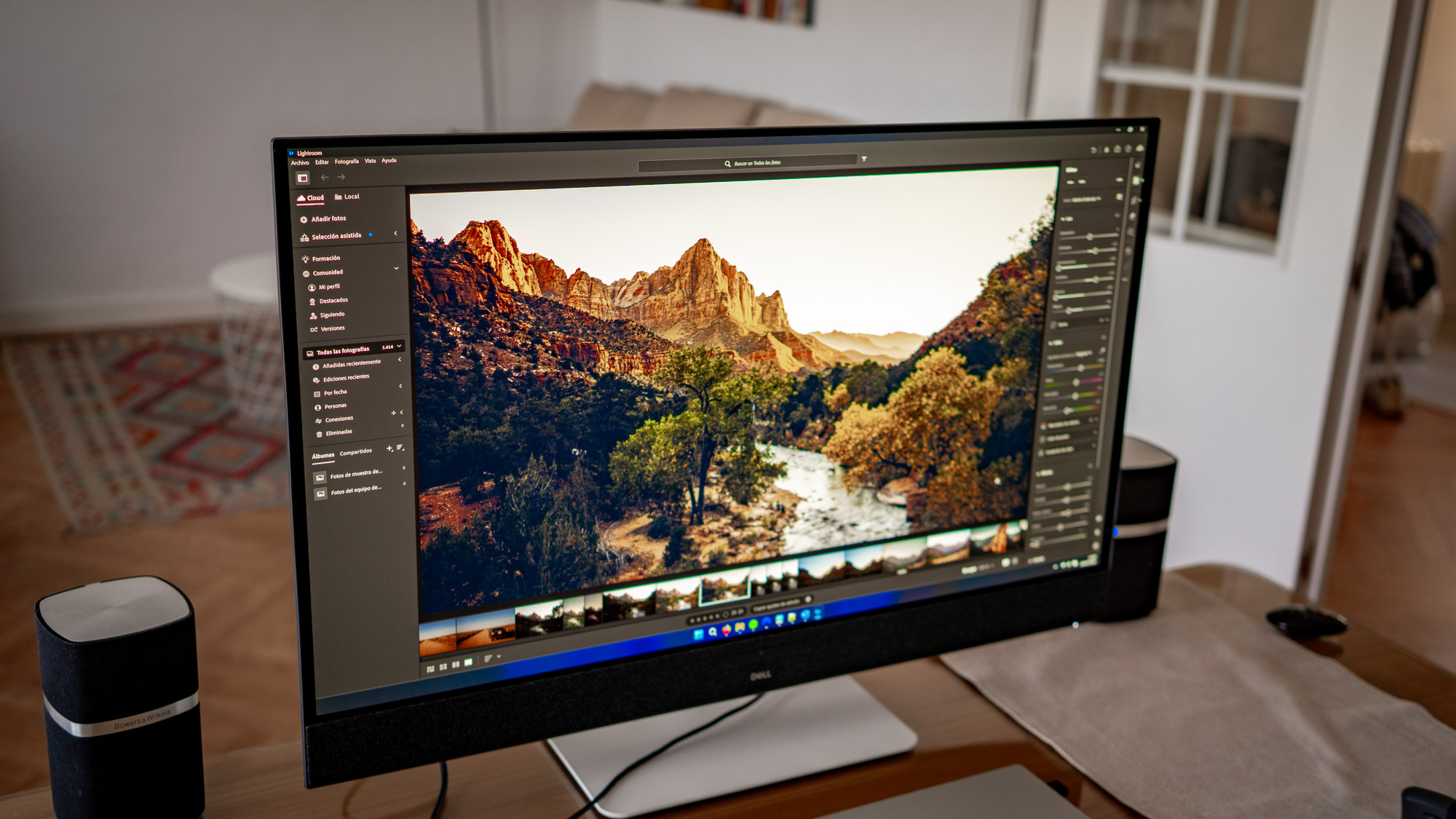
That makes watching films and TV series on this monitor a real pleasure. But it’s perfectly capable of handling professional work too. The OSD menu offers several picture modes: sRGB, DCI-P3, BT.709 and Display P3. Of these, the sRGB and DCI-P3 modes are the best calibrated out of the box. The first covers 100% of its colour space, while DCI-P3 coverage reaches 99%. Curiously, Adobe RGB coverage comes in at 95%, even though there’s no dedicated mode for that colour space in the OSD menu.
Whichever colour mode you choose, colour reproduction and accuracy are excellent across the board. Even so, if you’ll be doing photo or video work where colour accuracy really matters, it may be worth calibrating it with a colorimeter. Out of the box, the white point has a slight warm tint and the gamma strays a little from its target, which makes shadows look darker than they should. You can partly fix these issues by tweaking the OSD settings by eye, but for accurate results a colorimeter is the way to go.
For everyday viewing, even uncalibrated, the picture is simply fantastic, a real treat for the eyes. If this is your first OLED monitor, especially at this resolution, be prepared to spend your first few hours glued to the screen. Watching things on it is a delight, and editing photos and videos is a genuine pleasure.
Excellent HDR for films, series and games
One look at the HDR specs makes it clear from the outset that this monitor is built with entertainment in mind. It’s VESA DisplayHDR True Black 400 certified and supports both HDR10+ and Dolby Vision, which is fairly unusual at this price point. The Dell S3225QC really shines (pun intended) when you feed it HDR content, delivering a simply spectacular experience with films, series and games.
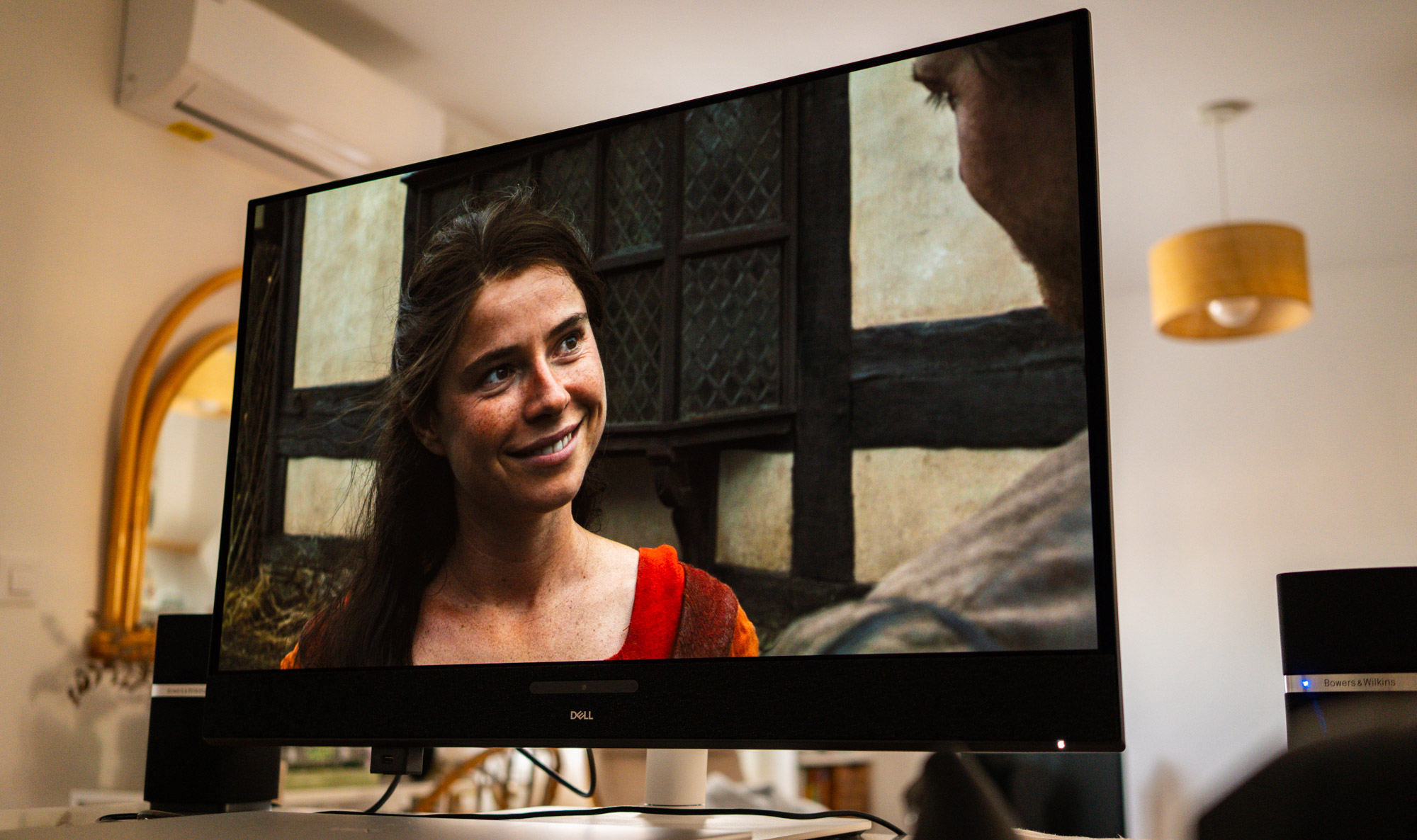
In HDR mode, sustained brightness hovers around 400 nits. There’s also an HDR Peak 1000 mode that ‘lets the monitor off the leash’ and allows it to hit a peak brightness of 1,000 nits, though only across a small area of the panel. What does that mean in practice?
According to measurements by RTINGS, the monitor can reach those 1,000 nits in a window covering just 2% of the screen. That’s particularly useful when very bright elements appear in a mostly dark scene, such as an explosion, the sun or a flash of light. The panel can concentrate its brightness in that small area for greater visual impact.
However, when much of the scene is bright, as with a snowy landscape in broad daylight or a white interface filling the whole screen, the monitor can’t sustain 1,000 nits across the board. In those situations, overall brightness is considerably lower, at around 400 nits.
Is that a problem? Not at all. The HDR experience is still impressive. In fact, I’ve ended up watching quite a few films and series on this monitor, despite having a TV at home, simply because watching things on it is such a joy.
As an occasional gamer, I’ve also enjoyed the odd gaming session, although that’s probably what matters least to me when choosing a monitor. I mainly play strategy games and I’m not particularly demanding in that department. That said, the S3225QC has plenty going for it: a 120Hz variable refresh rate, Adaptive-Sync, AMD FreeSync and an HDMI 2.1 port that makes it a very appealing option for consoles.
Add the excellent motion handling that OLED panels are known for, with near-instant response times and minimal input lag, and you have a monitor that should give most people a fantastic gaming experience, although competitive players may prefer something with a higher refresh rate.
Better sound than most monitors manage
To round things off, the sound is better than what we usually get from monitors, although, to be honest, that’s not exactly hard given how low they tend to set the bar. One of the Dell S3225QC’s selling points is its built-in speaker system, designed like a soundbar running along the bottom edge of the screen. It’s made up of five 5W drivers, AI-powered audio processing and beamforming technology, the latter far more common in soundbars.
Dell calls this processing Spatial Audio, and the idea is to deliver a more immersive sound. The catch is that you need to sit fairly centrally in front of the screen for it to work properly: move more than 45 degrees to either side and the effect disappears. Right in the middle of this ‘soundbar’ sits a tiny camera flanked by two infrared sensors, which track the listener’s position and adjust the audio processing accordingly.
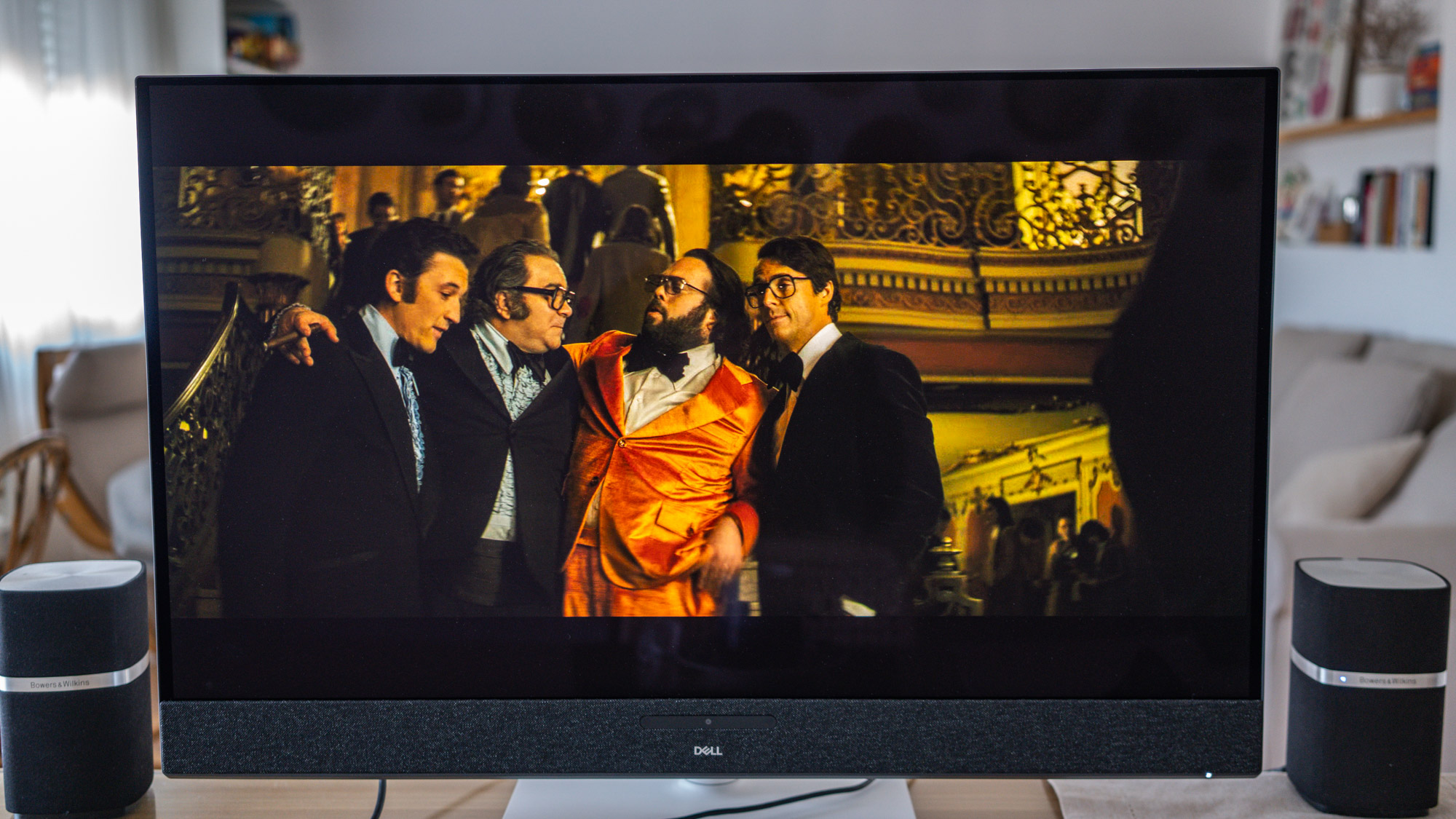
The effect is genuinely impressive with films, series and games, even when the audio source is stereo. In other words, you don’t need Dolby Atmos content to enjoy it. More than once I’ve found myself watching a film or series with Spatial Audio switched on and, honestly, it sounds surprisingly good and very pleasant. It’s the icing on the cake for a monitor that’s clearly designed for enjoying films, series and music.
Music is another story, though. As is often the case with this kind of processing, stereo music picks up a certain reverb that doesn’t quite win me over, so I’d recommend switching Spatial Audio off when you’re listening to music. All in all, as someone who’s fairly fussy about sound, I’d say the audio quality is decent, pretty good for a monitor, but don’t expect miracles.
Personally, I use a pair of iconic Bowers & Wilkins MM-1s that have been with me for more than ten years and sound infinitely better than the Dell S3225QC’s built-in speakers. So the monitor’s sound wasn’t something I worried about, either before or after buying it. But if you don’t have computer speakers and want reasonable sound built right into the monitor, the Dell’s should do the job more than well enough.
Good design and connectivity, if nothing flashy
Not everything is perfect, so let’s look at a few areas where the Dell S3225QC could do better. The first is the design: attractive and elegant as it is, it relies quite heavily on plastic. Design is clearly one of the places where Dell has cut costs, although, to be fair, the monitor never feels flimsy and its stand is pretty sturdy.
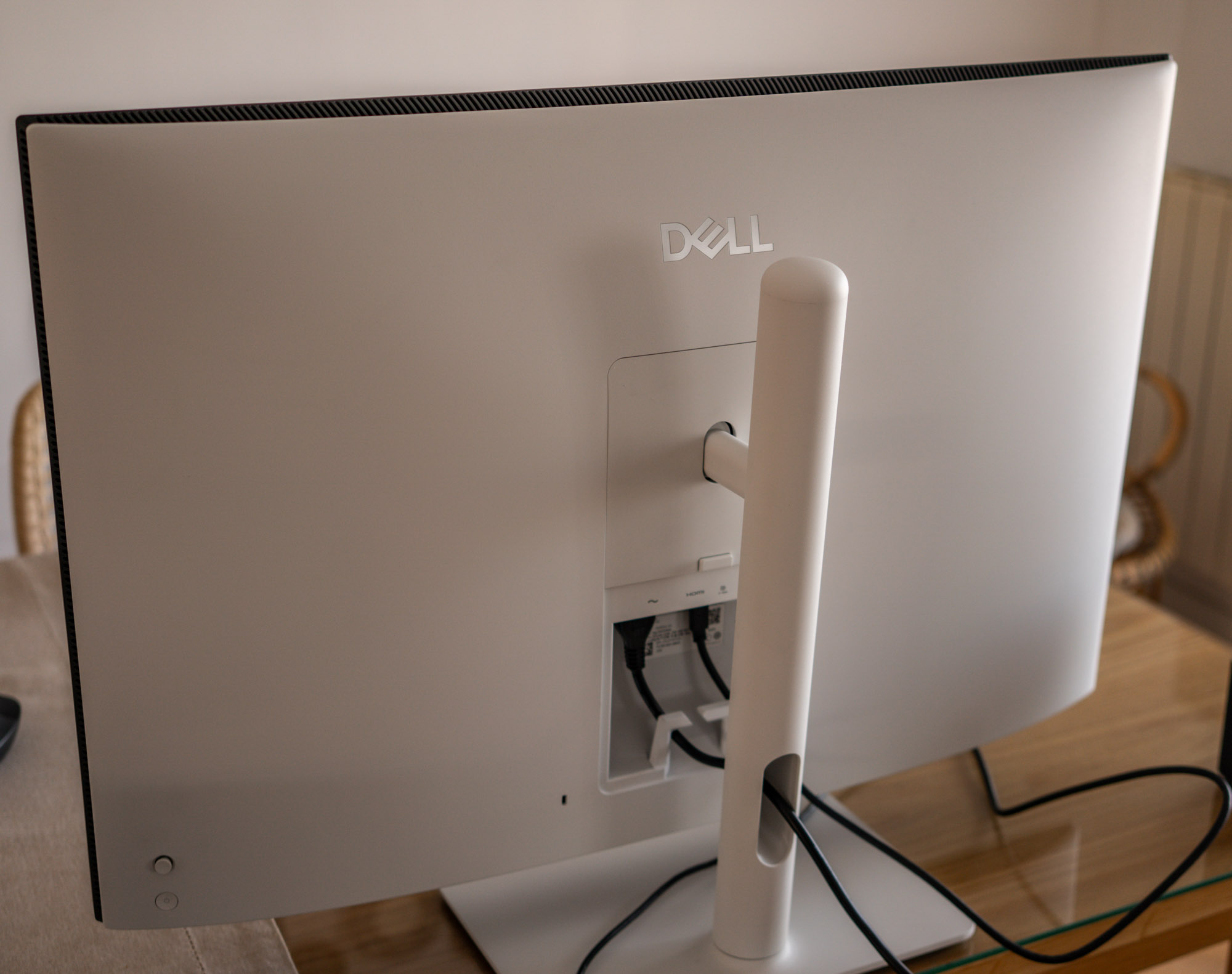
Nor does it offer the same level of ergonomics as the company’s well-known UltraSharp monitors. You can adjust the height, tilt the screen and swivel it 30 degrees to either side, but you can’t rotate it into portrait mode. It is VESA compatible, though, in this case with the 100 × 100mm mounting standard.
Another thing I miss from the UltraSharp range is the thin bezels on all four sides of the screen. Here, the speaker bar along the bottom breaks that symmetry. The bezels on the other three sides are fairly slim, but not as slim as the ones on the UltraSharp models.
Dell has also cut back on connectivity, with a fairly limited number of ports, but it makes up for it with how well specced they are: a 48Gbps HDMI 2.1 port, a USB-C upstream port with DisplayPort Alt Mode and up to 90W of power delivery, and two 15W USB-C downstream ports for connecting peripherals. One of them is tucked away in a quirky pull-out compartment at the bottom left of the monitor.
There are a few other minor drawbacks and quirks worth mentioning. Maximum SDR brightness is a mere 250 nits, which may fall short in a very brightly lit office or a room that gets a lot of direct sunlight. This monitor is clearly much happier in controlled lighting or fairly dim surroundings.
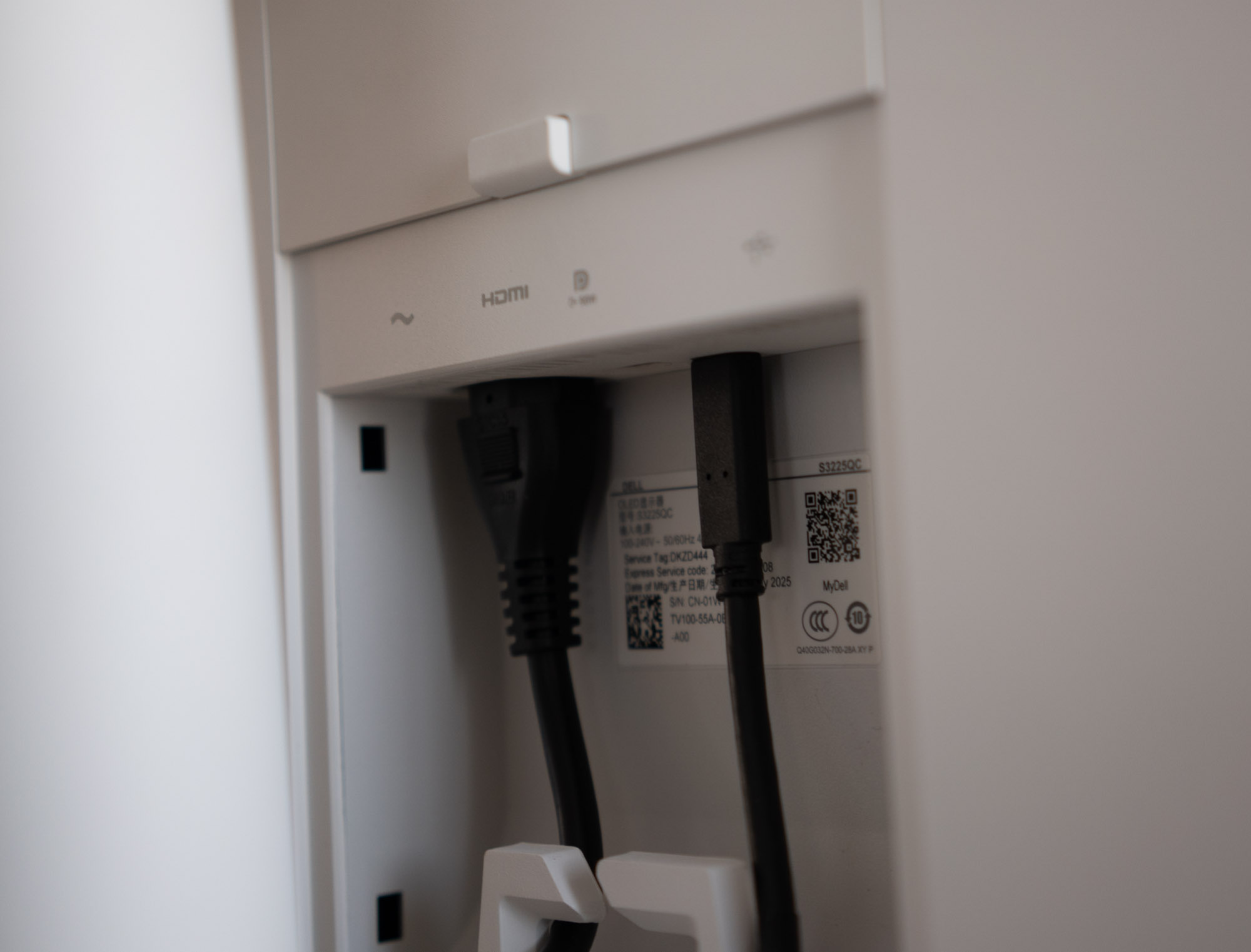
Another thing that may not sit well with everyone is text fringing, the coloured outlines that can appear around letters, which can be more noticeable on QD-OLED panels because of their subpixel layout. Personally, I haven’t noticed any of this at all on the Dell S3225QC, but I understand that sensitivity varies from person to person. Factors such as pixel density, operating system scaling and viewing distance also play a part. The only way to know how much it might bother you is to try it for yourself.
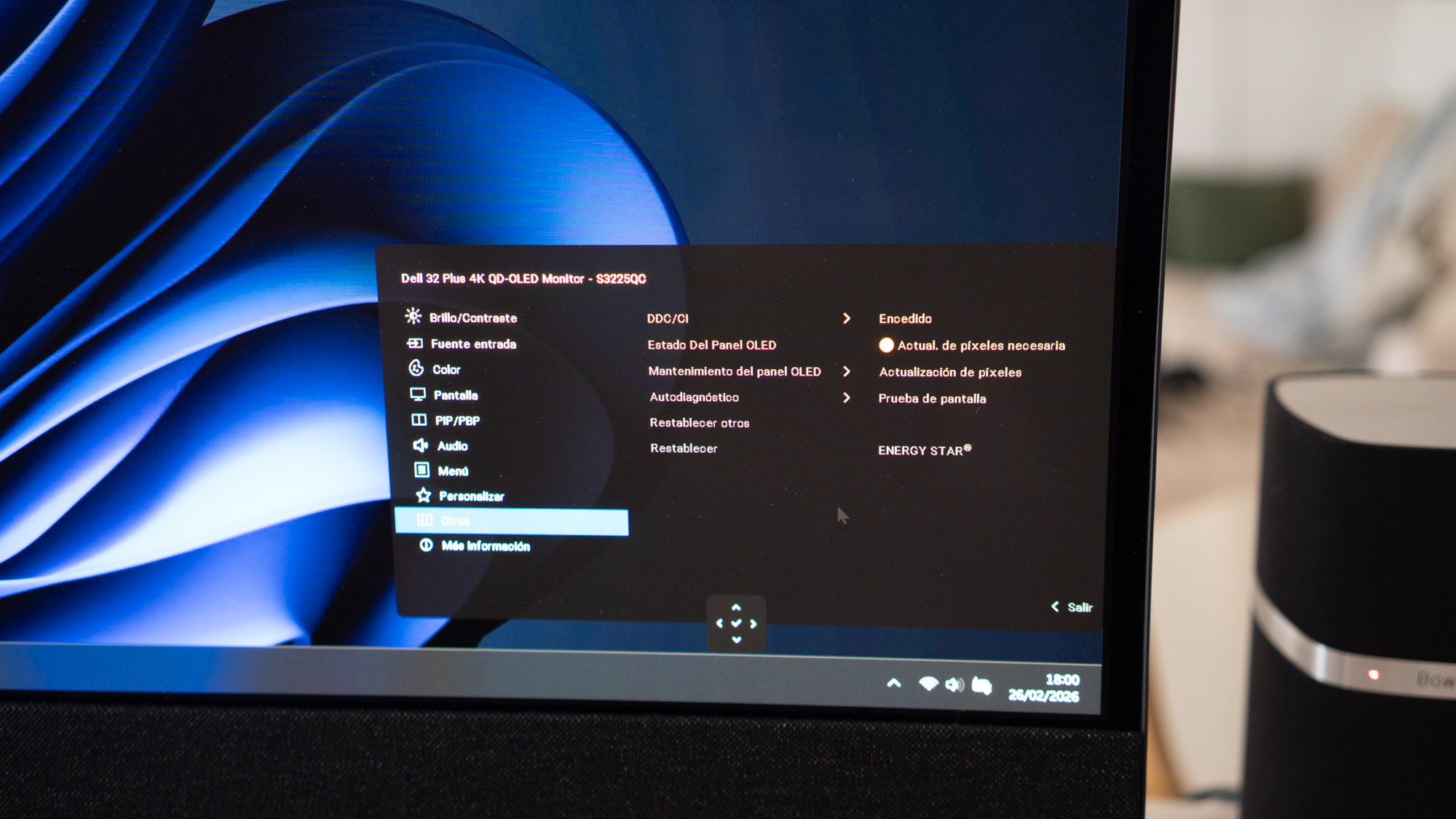
Another potential drawback inherent to OLED technology is burn-in, or permanent image retention. The Dell S3225QC has a pixel refresh cycle that cuts the risk of burn-in to practically zero, kicking in whenever the monitor detects that static content has been on screen for several minutes. And while the monitor’s relatively modest brightness can help reduce the risk in certain circumstances, that doesn’t mean we can rule it out completely.
Verdict
«Finally, a 32-inch 4K OLED monitor that doesn't look like a space station, and at a fairly low price to boot. I think it's extraordinary value for money.»
Dell Plus 32 S3225QC
Pros
- Fantastic image quality.
- More than up to professional and creative work.
- Pretty convincing sound for films and games.
- Cheap compared with other monitors with similar specs.
Cons
- Not exactly generous with ports.
- Plastic body.



Comments
No comments yet. Will you start?